MEC Computer Home

Category

Hardware & Diagnostics

5 articles

Sleeping on the Job: The Real Energy Cost of Leaving Your PC in Low-Power Modes

Sleeping on the Job: The Real Energy Cost of Leaving Your PC in Low-Power Modes

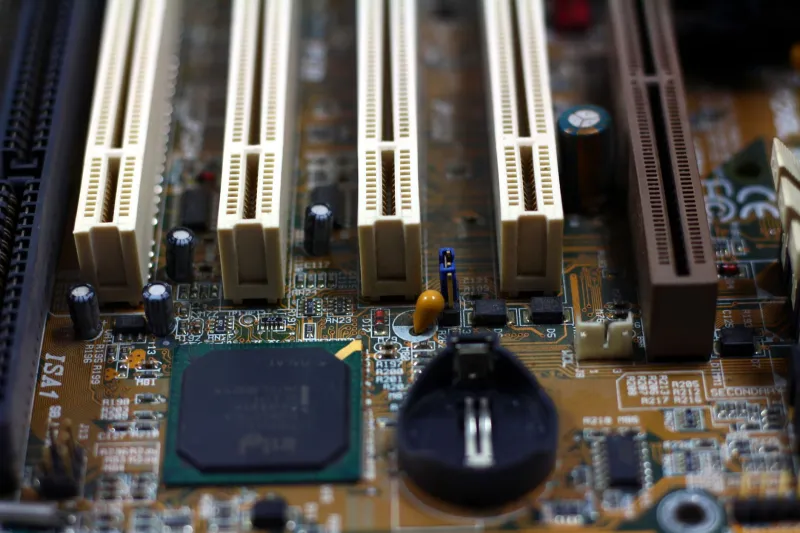
Most users assume that putting a computer to sleep is roughly equivalent to turning it off. In reality, modern PCs continue drawing measurable amounts of electricity in sleep and idle states, quietly inflating your electric bill month after month. This article breaks down exactly what stays powered on, how different sleep configurations compare, and what you can do to genuinely reduce energy waste.

When Your PC Runs Hot and Slow: Understanding CPU Thermal Throttling and How to Fix It

When Your PC Runs Hot and Slow: Understanding CPU Thermal Throttling and How to Fix It

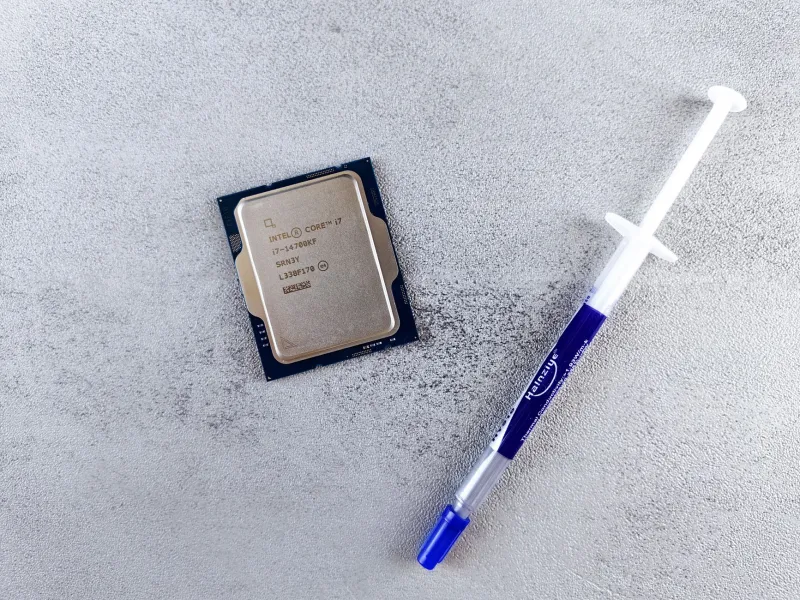
A processor that quietly reduces its own speed to avoid overheating can rob your system of performance you are already paying for. Understanding why thermal throttling happens — and how to address it — can mean the difference between a sluggish machine and one operating at full capacity. This guide walks through the causes, the diagnostic steps, and the solutions that actually work.

Why Your First Instinct After a Hard Drive Failure Could Cost You Everything

Why Your First Instinct After a Hard Drive Failure Could Cost You Everything

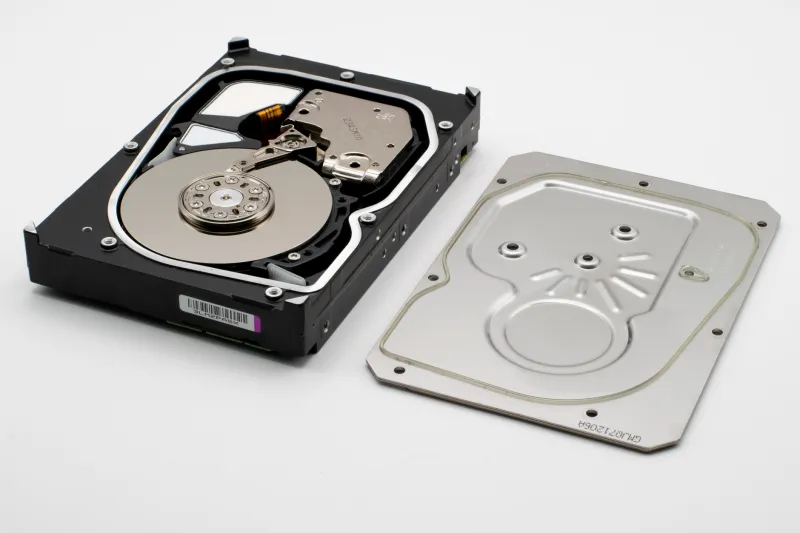
When a hard drive fails or files suddenly vanish, the instinct to act immediately is understandable — but that urgency often leads to decisions that permanently destroy recoverable data. At MEC Computer, we have seen firsthand how well-intentioned troubleshooting transforms manageable storage failures into total data losses. Understanding the science behind drive failure, and knowing exactly when to step back, can mean the difference between full recovery and irreversible loss.

Your Computer Is Sending You Distress Signals — Here's How to Read Them

Your Computer Is Sending You Distress Signals — Here's How to Read Them

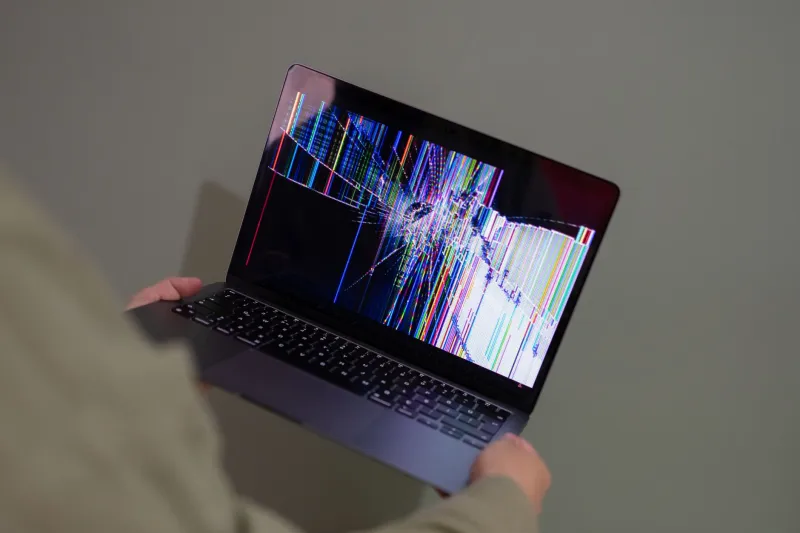
Most computer failures do not happen without warning. Recognizing the early symptoms of hardware deterioration or serious system instability can mean the difference between a straightforward repair and a complete data loss event. This guide walks you through five critical red flags that should prompt an immediate call to a qualified technician.